Your own kalispro.uk/@nick page with all your links
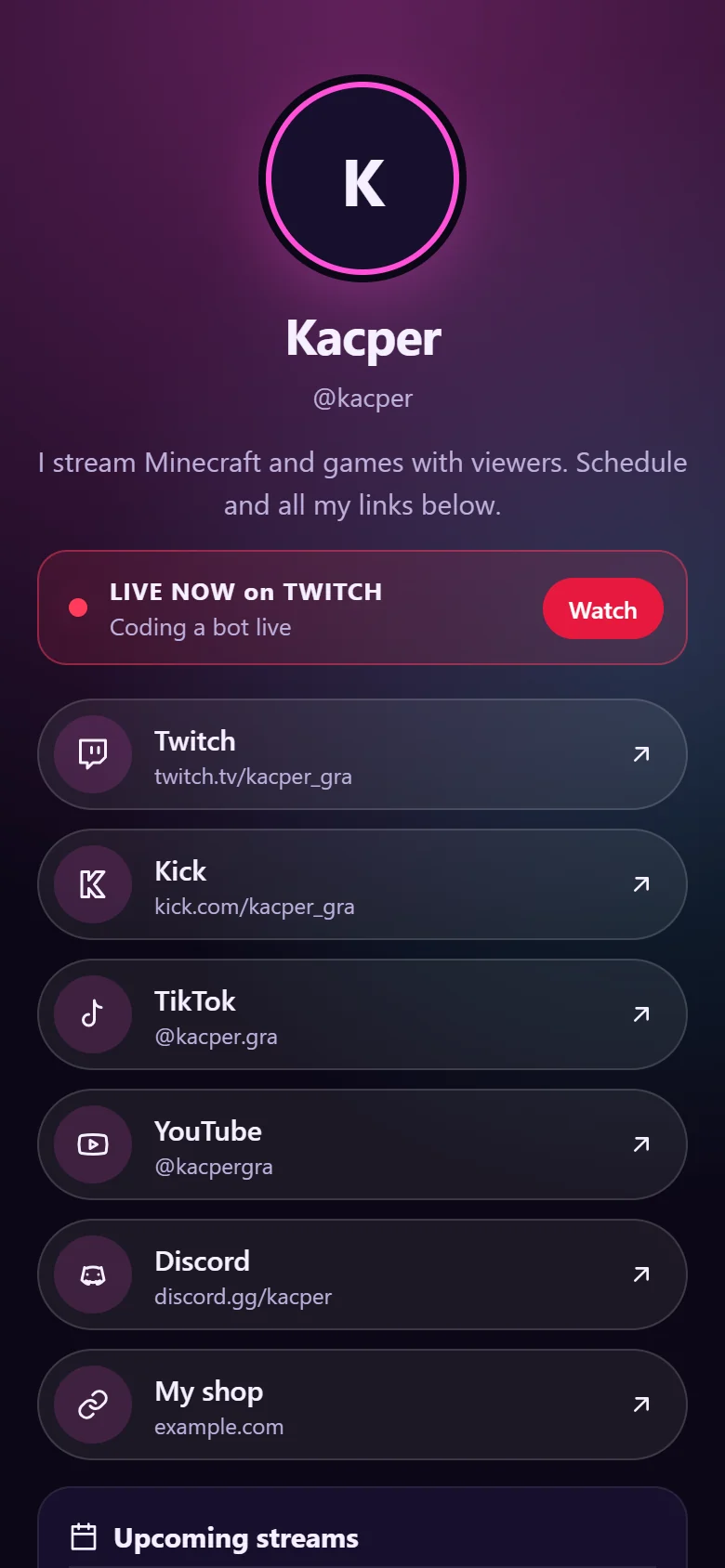
One address to put in every bio: kalispro.uk/@yournick. The page lists your Twitch, Kick, TikTok, YouTube and other accounts, lights up a LIVE badge while you stream and shows your next three streams. It is free for everyone who uses DogByte or DogMate.
What you need
- DogByte or DogMate on a Discord server you manage,
- for the LIVE badge and the schedule: DogByte following your channels on that server.
Step by step
- Open the editor. Log in at panel.kalispro.uk with Discord and click My page in the menu.
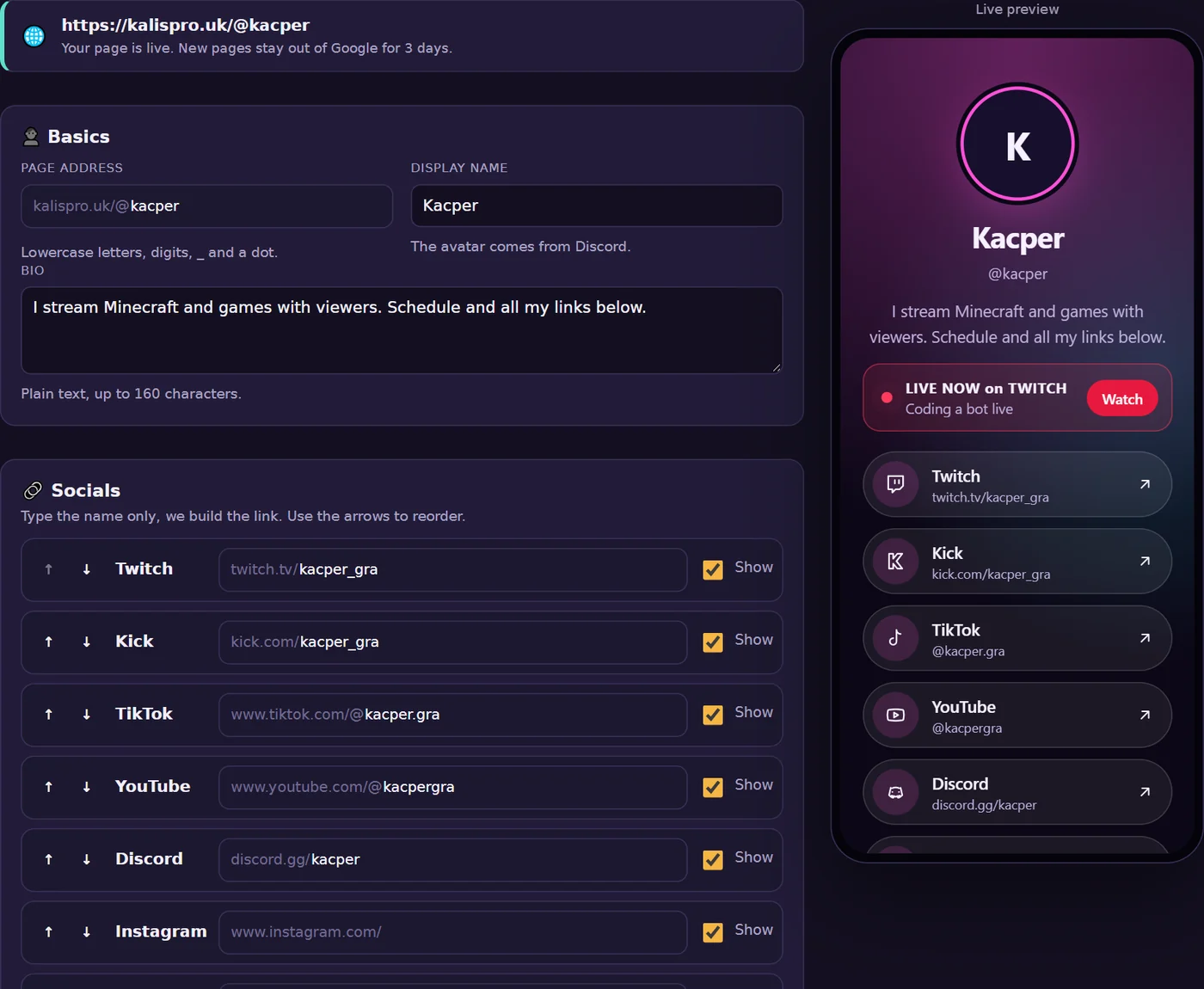
- Pick your address. In Page address type your nick: lowercase letters, digits,
_and a dot. “Address available ✓” means it is yours to take. The display name and the avatar come from Discord, and you can change the name. - Add your socials. In Socials type only the name, for example
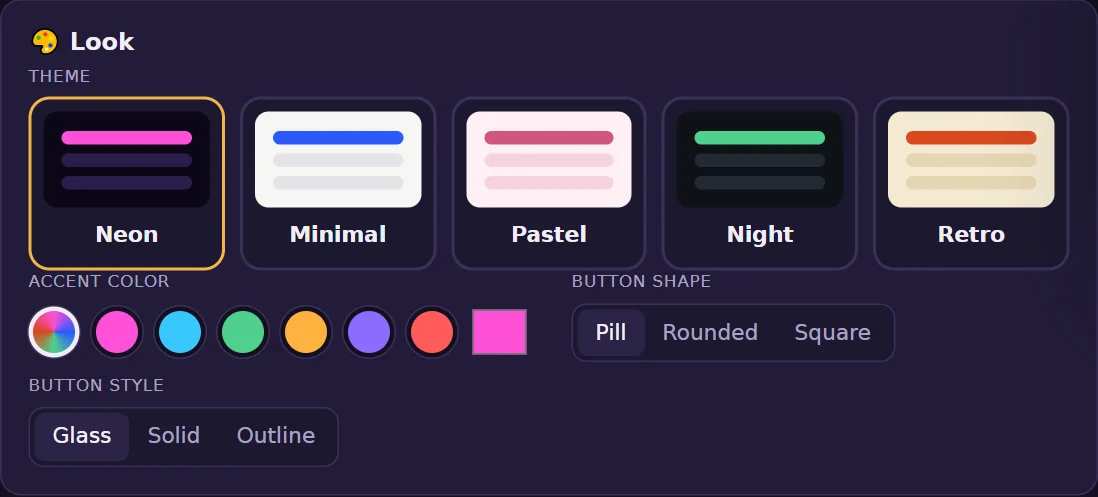
yournickfor Twitch. The link is built for you. The arrows change the order and Show hides a service without deleting it. - Choose the look. Five themes (Neon, Minimal, Pastel, Night, Retro), an accent colour, and the shape and style of the buttons. The preview on the right changes as you click.
- Create the page. Click Create page. Then Copy link and put it in your bio on Twitch, TikTok, Instagram and the rest.
Services you can add
Twitch, Kick, TikTok, YouTube, Instagram, X, Discord (your invite code) and Steam. Only services from the list can be added this way, so every button leads where it says.
Custom links
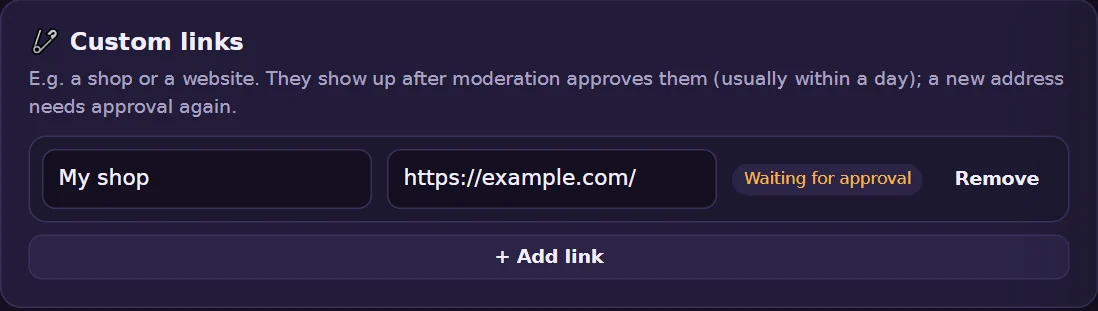
Up to five extra buttons, for example a shop or your website. Each one is checked by moderation first and shows up after approval, usually within a day. If you change the address of a link, it needs approval again.
LIVE badge and stream schedule
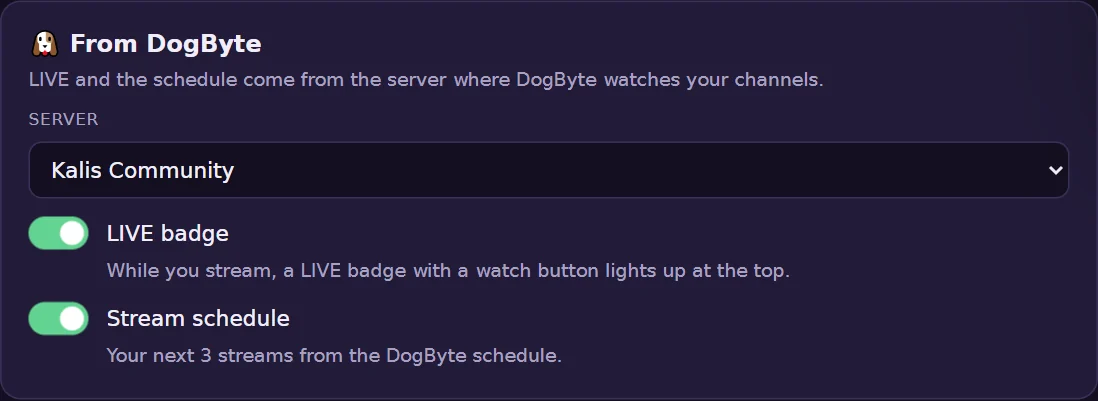
In From DogByte pick the server where DogByte follows your channels. While you stream on Twitch, Kick or TikTok, a LIVE badge with a Watch button lights up at the top of the page. Below the links you can show your next three streams from the DogByte weekly schedule.
Stats
The editor shows views and clicks from the last 7 days, and which buttons people click most. There are no cookies and no data about visitors, only counters.
Common problems
My page is not on Google
New pages stay out of Google for the first 3 days. After that they can show up in search like any other page.
“New pages paused”
Now and then we pause new pages for a while. Pages that already exist keep working. Come back a bit later.
Someone uses my name
Every page has a Report button at the bottom. Reports go to moderation, which can block a page that pretends to be someone else.